
When working with digital image files, it’s important to understand the differences between SVG and PNG, as each format is designed for different purposes. Knowing when to use SVG or PNG can help you choose the right format for your designs.
Image Type
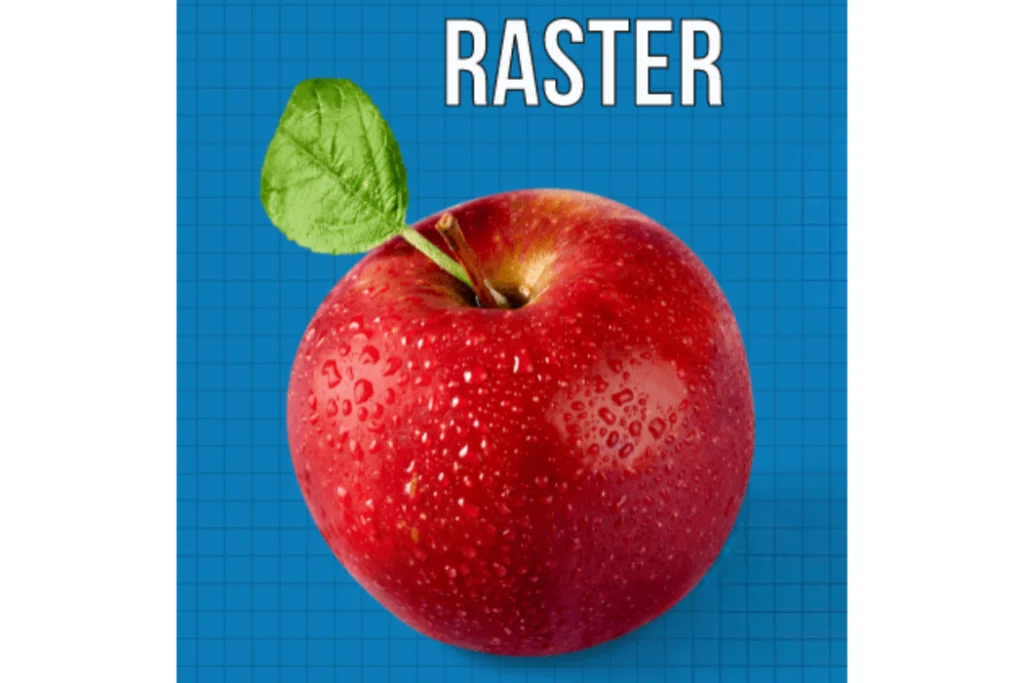
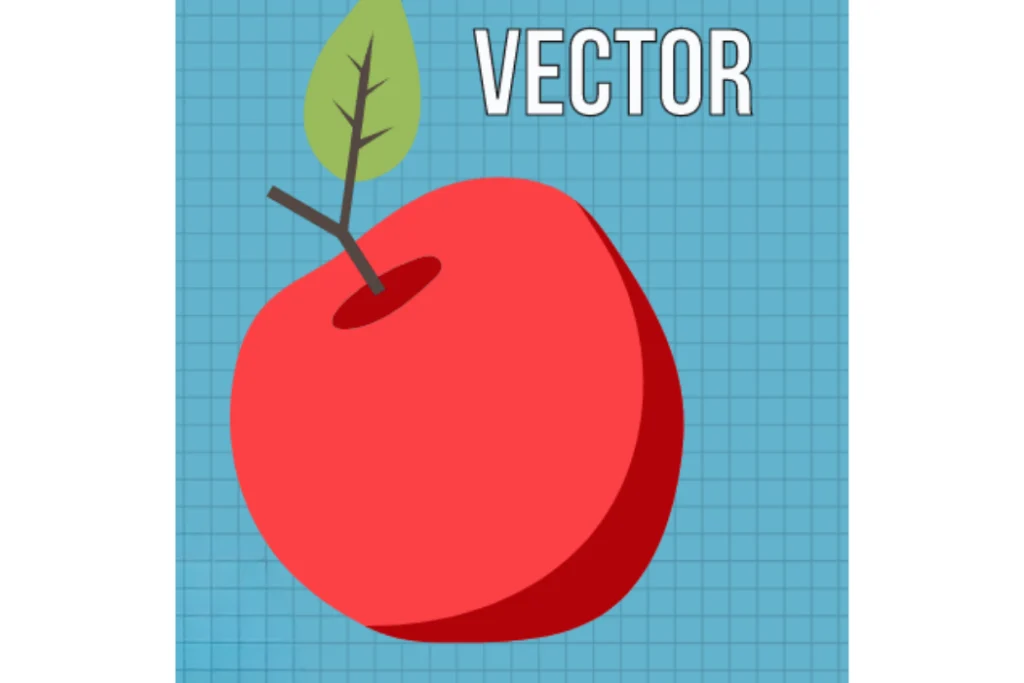
PNG is a raster format made up of pixels, allowing you to work with gradients, blurring, and layered colors at the pixel level, making it ideal for complex images. SVG uses vector shapes, offering scalable and precise designs, but with less flexibility for photographic effects.
Resolution and Quality
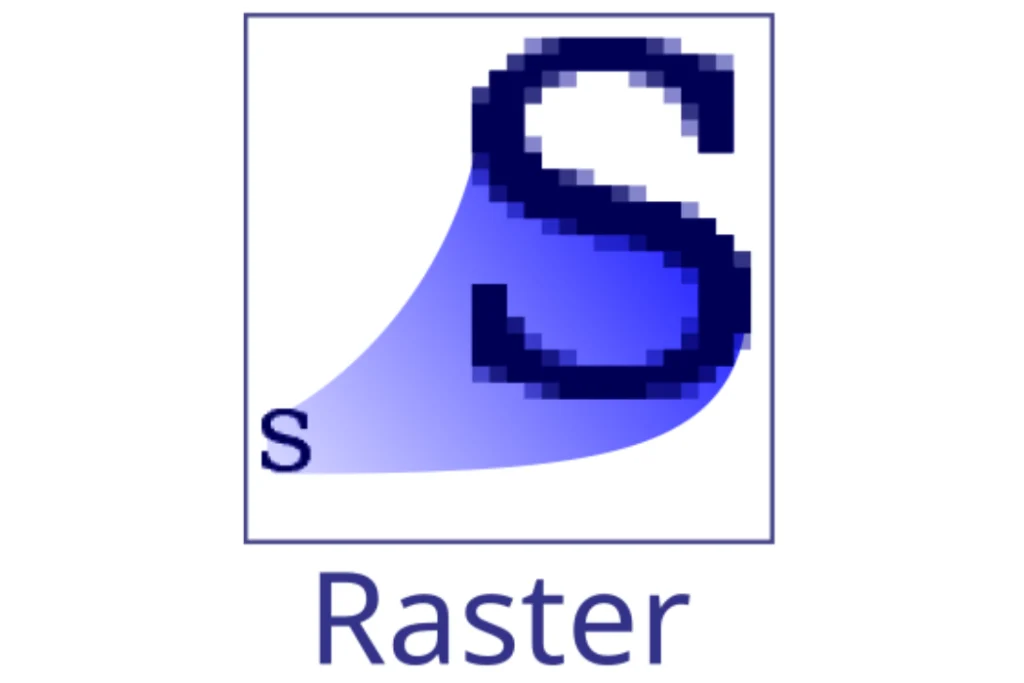
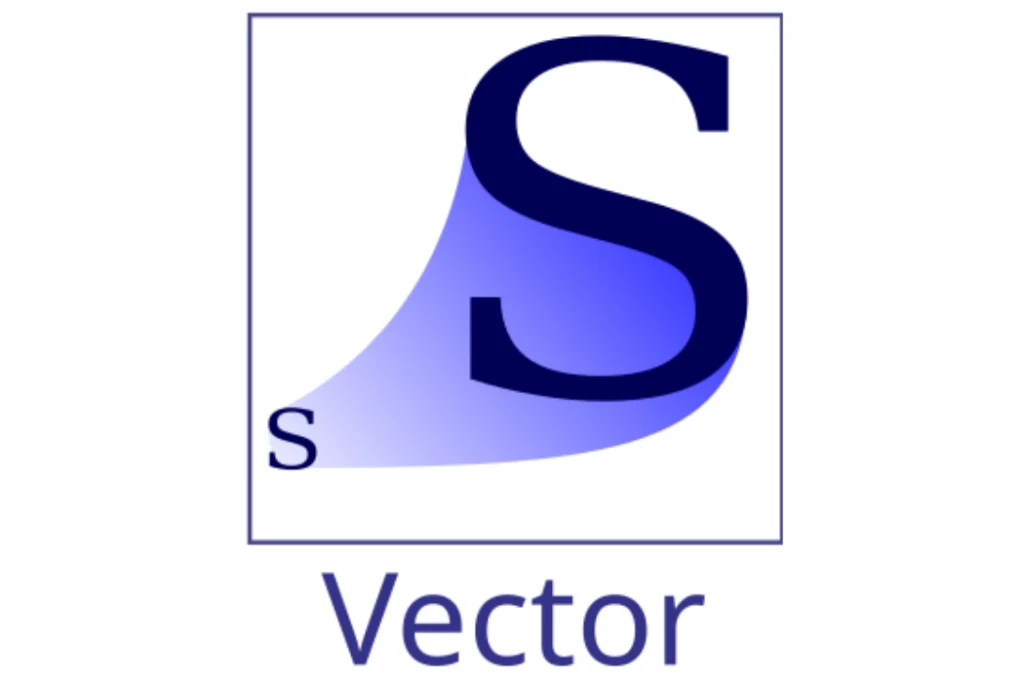
PNG can lose quality when enlarged. SVG can be scaled to any size without losing resolution or sharpness.
Transparency
Both formats support transparency, but SVG allows you to control individual elements and shapes independently. PNG keeps transparency as part of a pixel-based image.
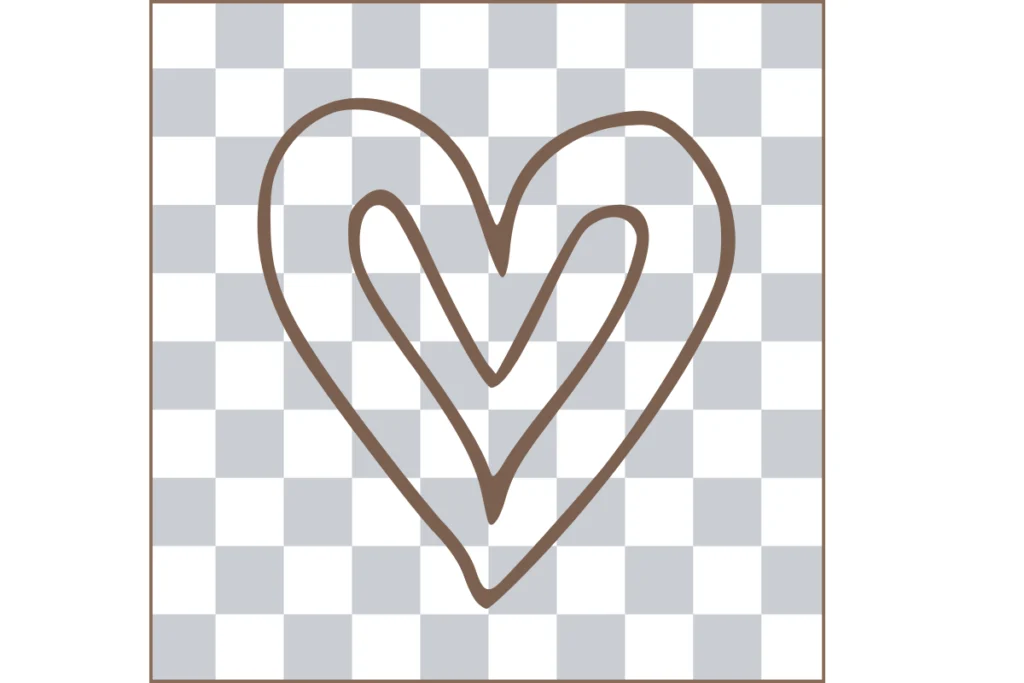
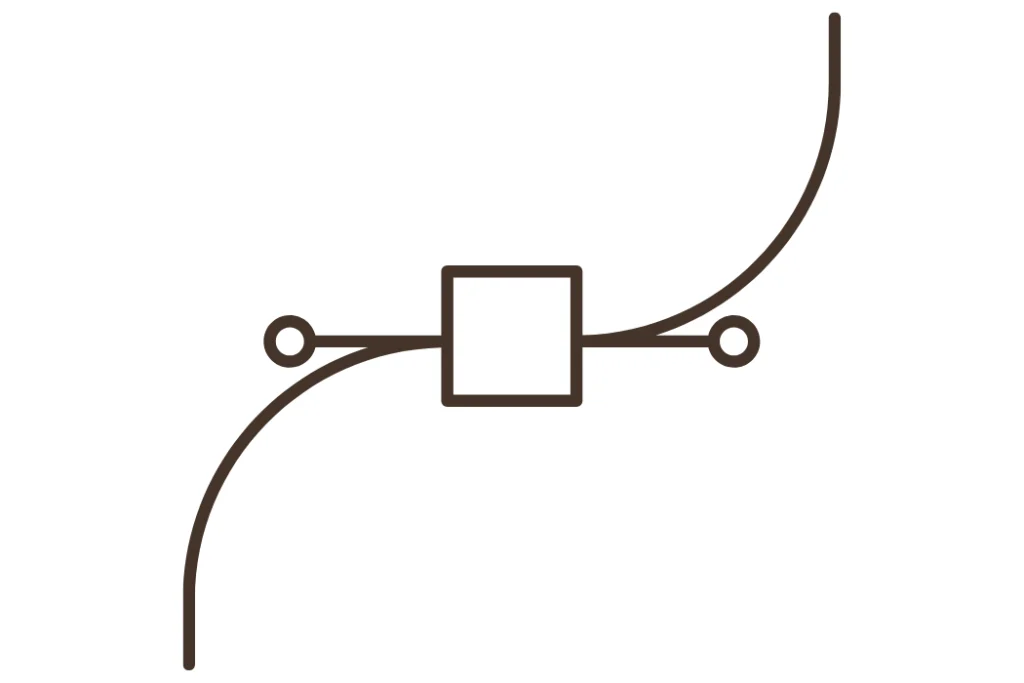
PNG vs. SVG File Size
An SVG usually takes up less space than a PNG when it contains simple designs because it stores vector-based information. In contrast, a PNG can have a larger file size because it stores data for each pixel.
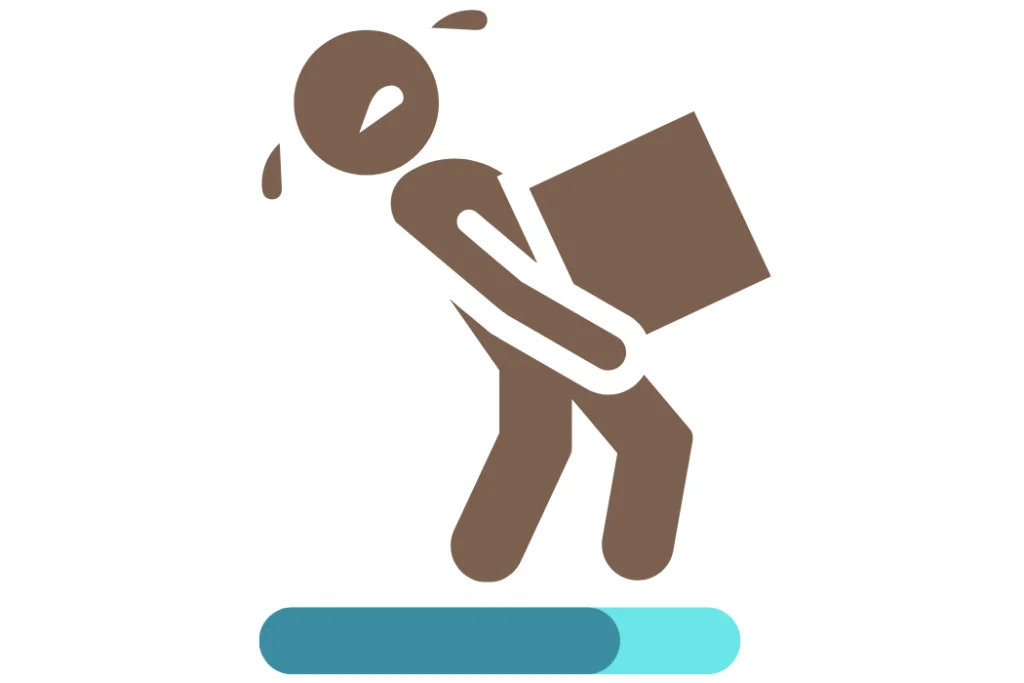
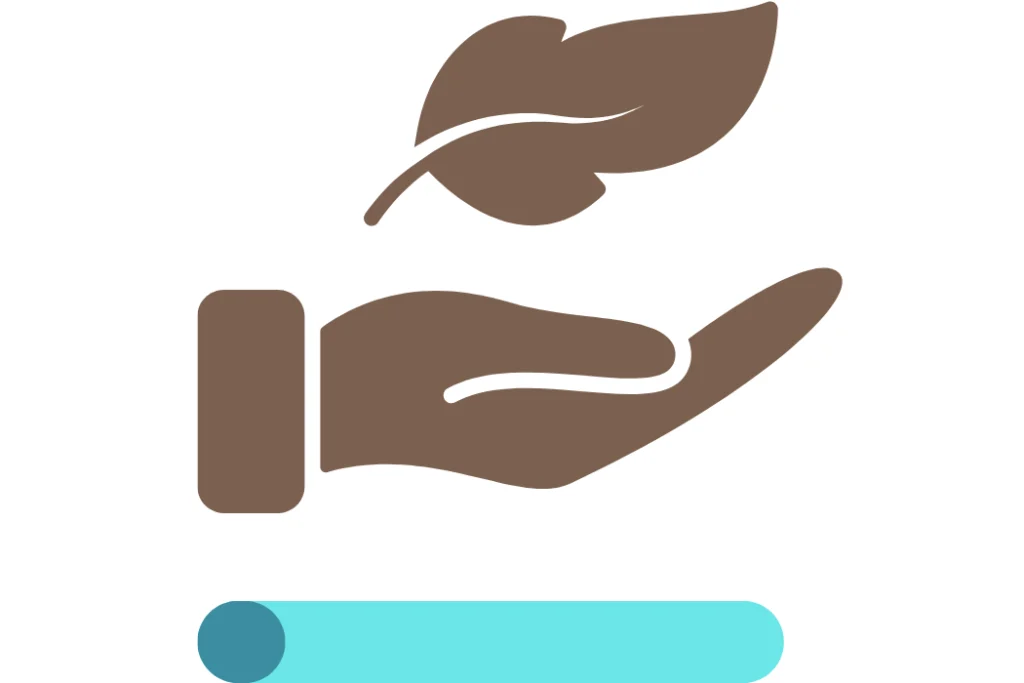
When Should You Use SVG or PNG?
SVG is ideal for logos, icons, T-shirt designs, and crafts. PNG is better suited for photographs, detailed illustrations, and designs with many colors or visual effects.
SVG and PNG Compatibility
PNG offers virtually universal compatibility across browsers, devices, and software. SVG is also widely supported, especially on the web, although some editing programs or cutting machines may require specific software.